Analog Synthesis Page
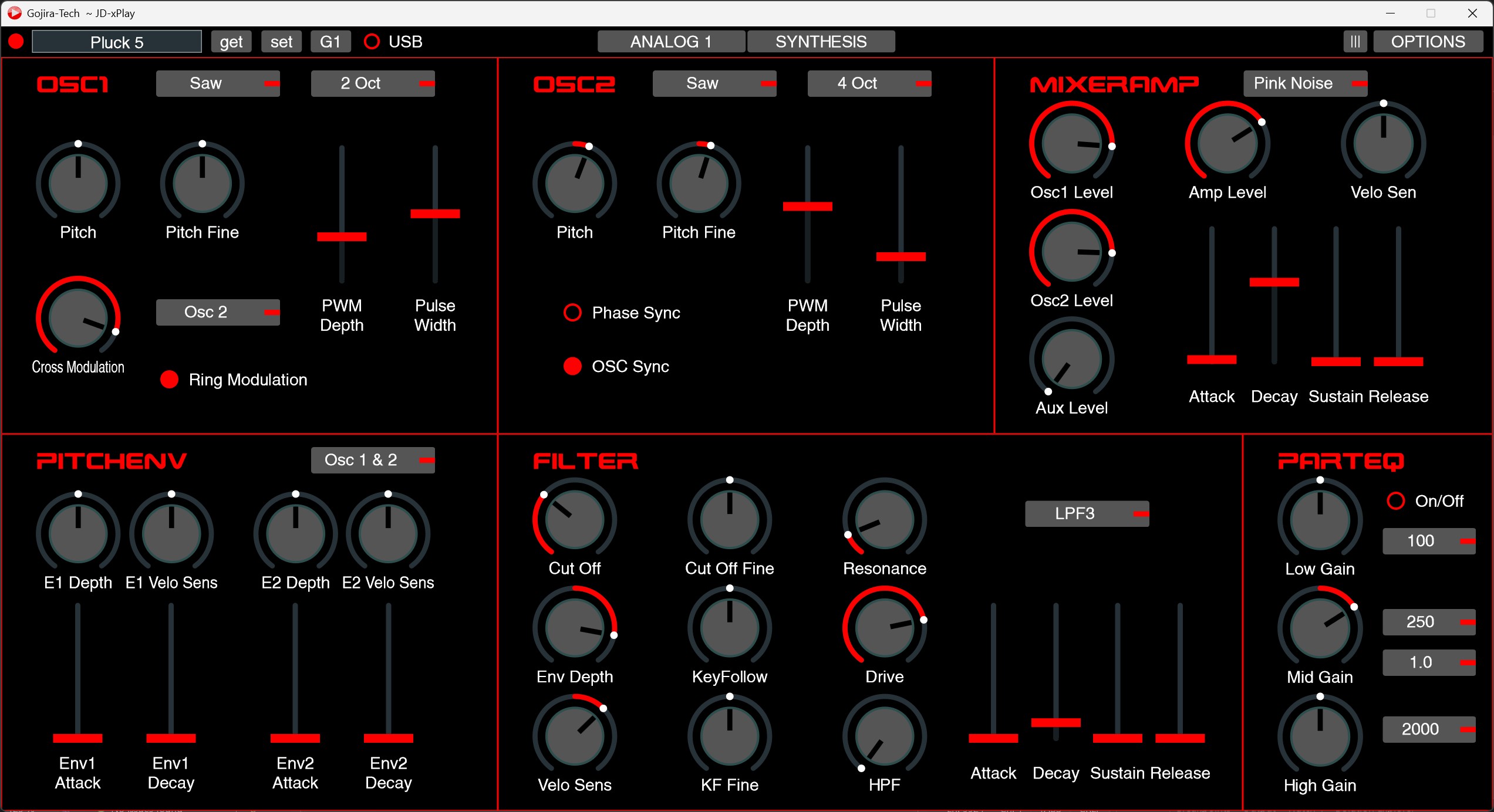
The Analog Synthesis page contain six panels with the controls responsible for sound generation in an Analog Synth part i.e. A1, A2 etc.
Analog Modulation Page
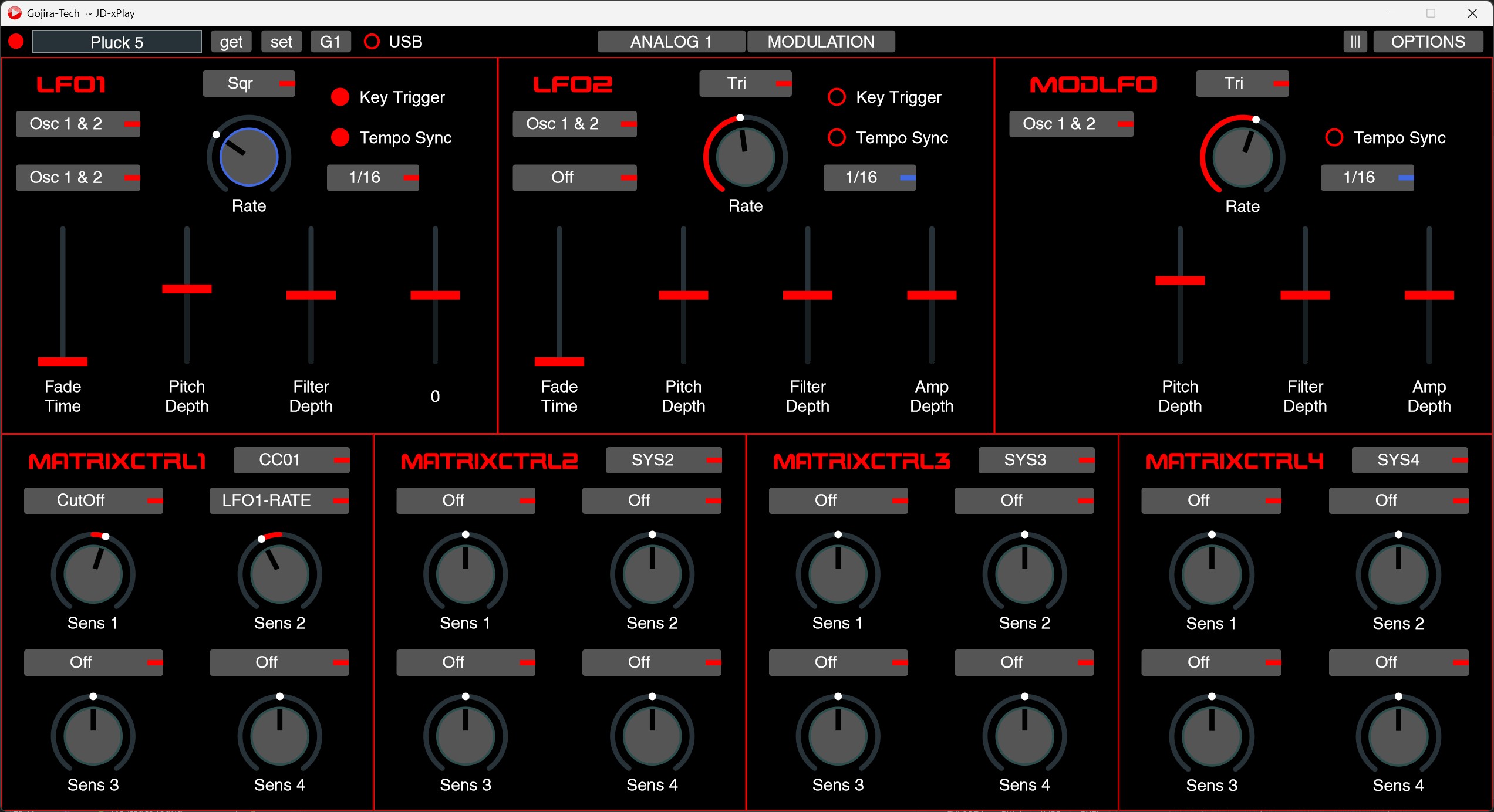
The Analog Modulation page contain seven panels. There are three LFO panels and four ‘MatrixCtrl’ panels which facilitate access to these ‘hidden’ Analog part modulation matrix parameters.
Analog Part Controls Page
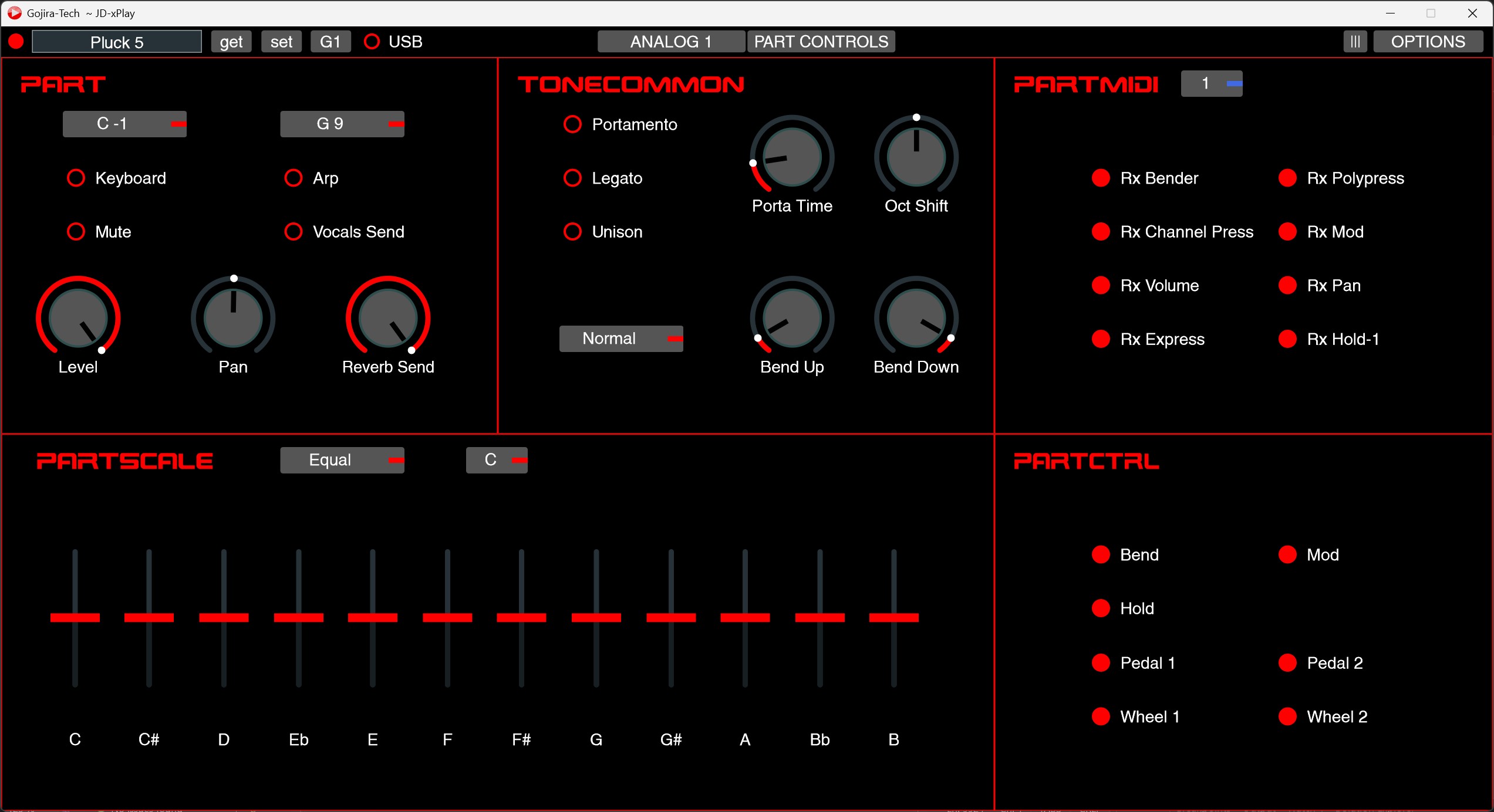
The five panels allow access to the key parameters that control how the sound of a part can be influenced by physical controls, such as external pedals, synthesizer modulation controls and the keyboard.
Parameters that influence the behaviour of the sound generated such as Portamento, Legato, Pan and the Global Reverb Send parameter are present. The ‘PartScale’ panel also allow easy access to the defined and custom keyboard micro tuning parameters.
MFX Page
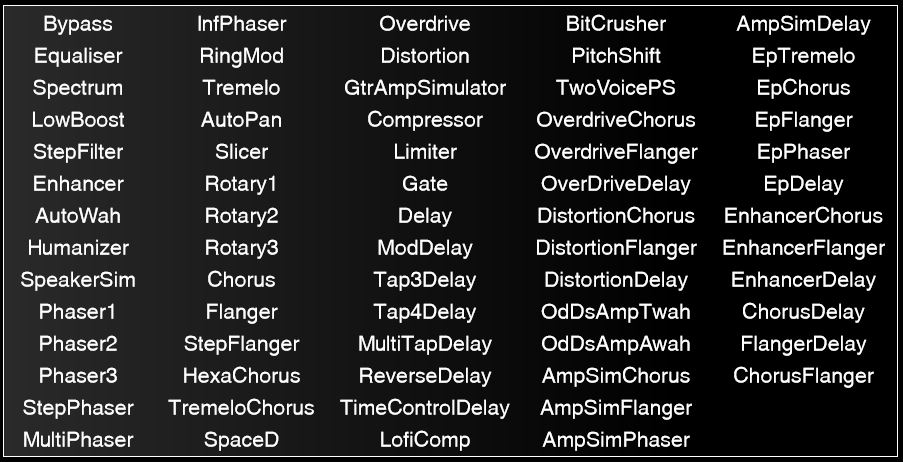
The MFX page has a dynamic content menu where one of the 68 possible MFX effect options can be selected.
Individual MFX parameters are displayed in a logically grouped style. The four MFX control parameter groups are displayed underneath, with per effect menu customisation for destination parameters.
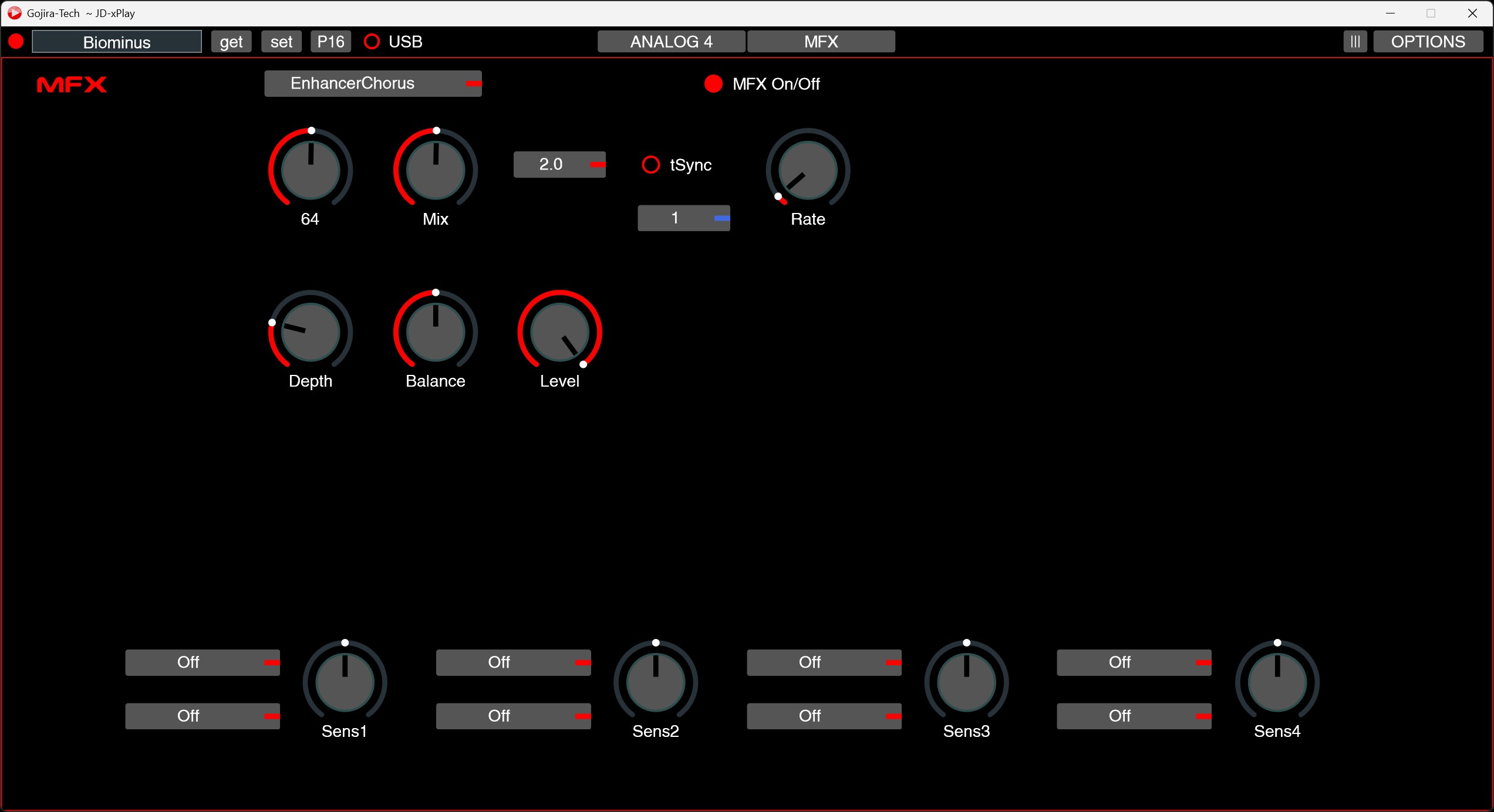
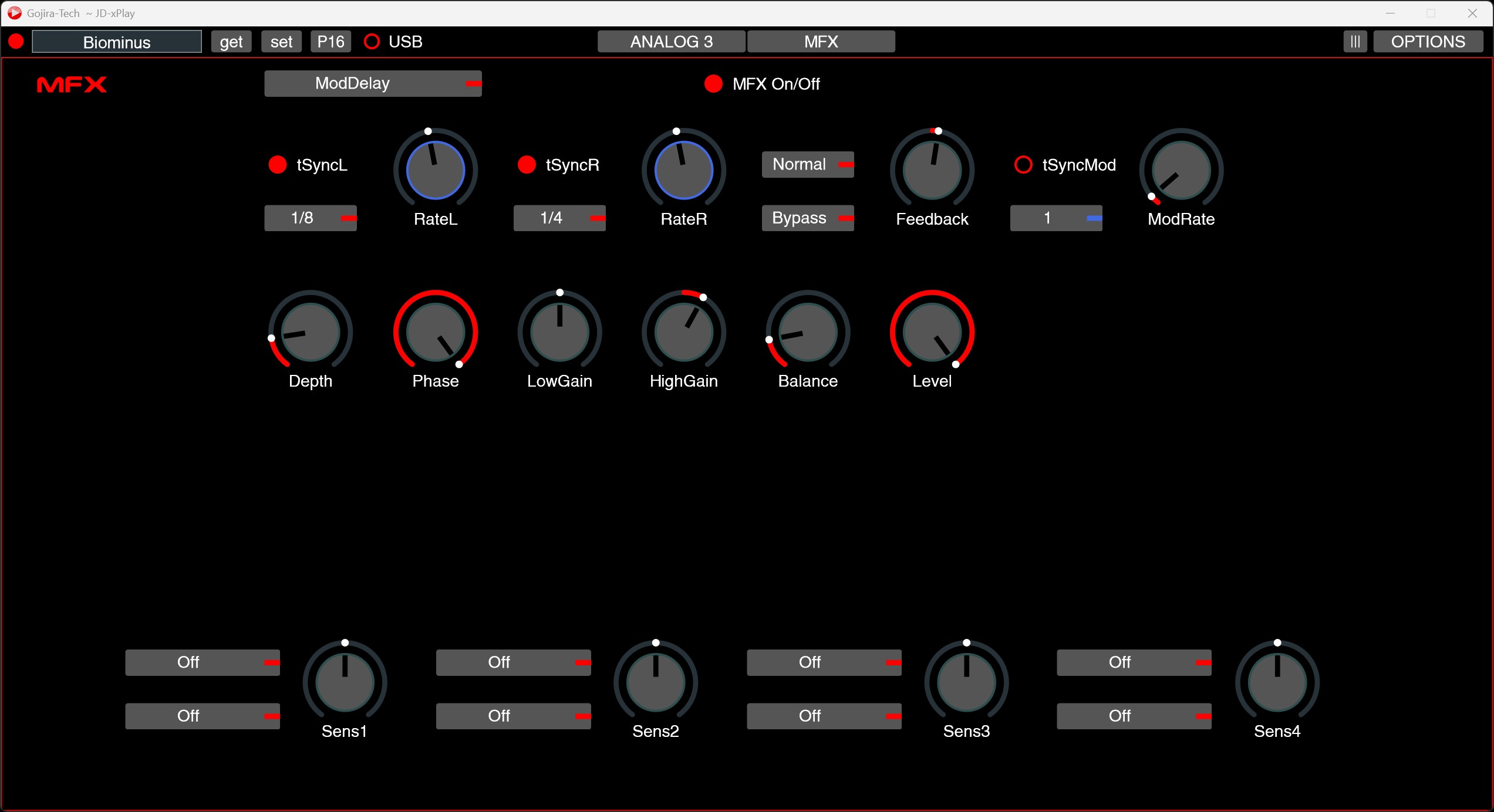
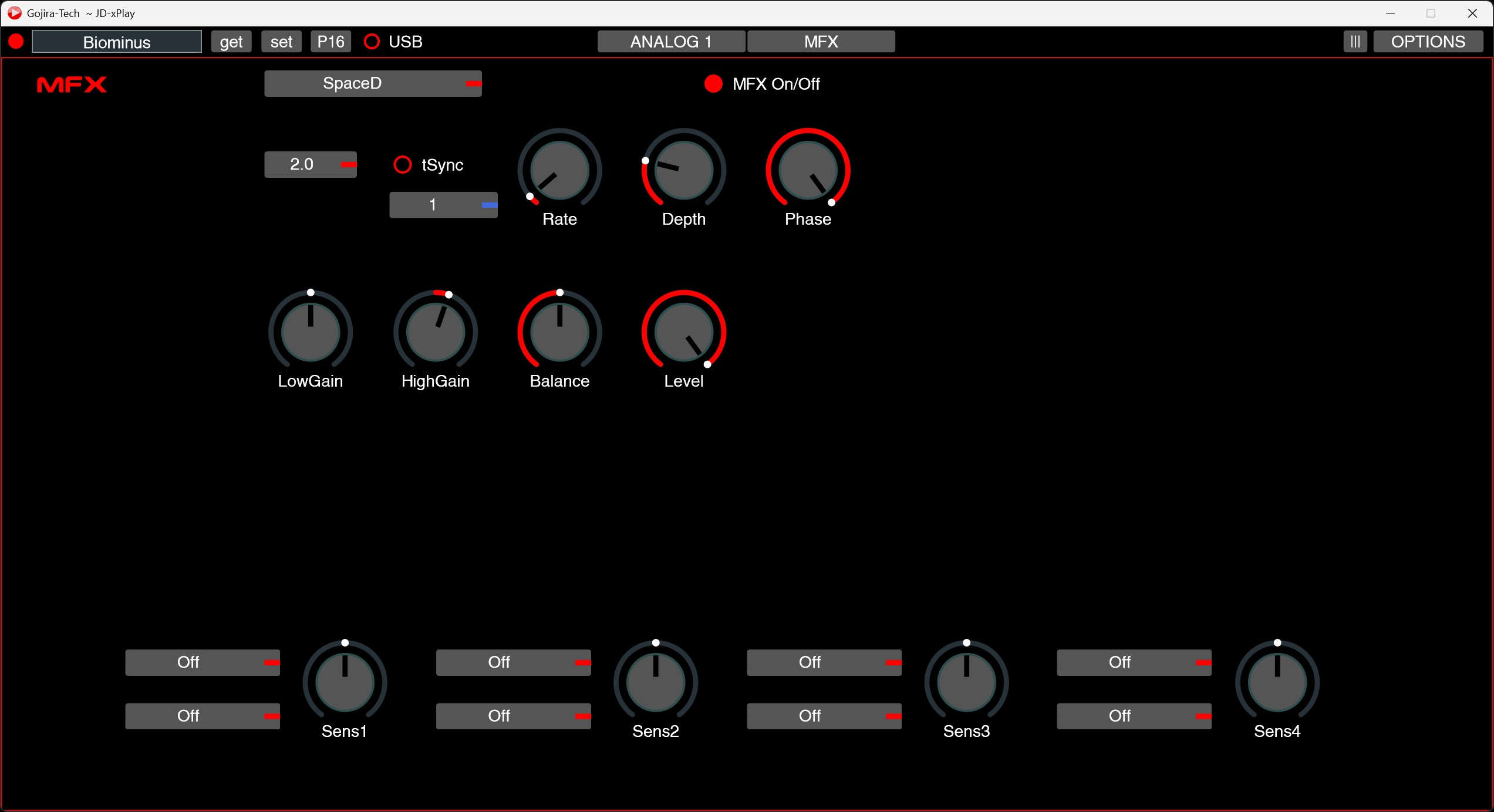
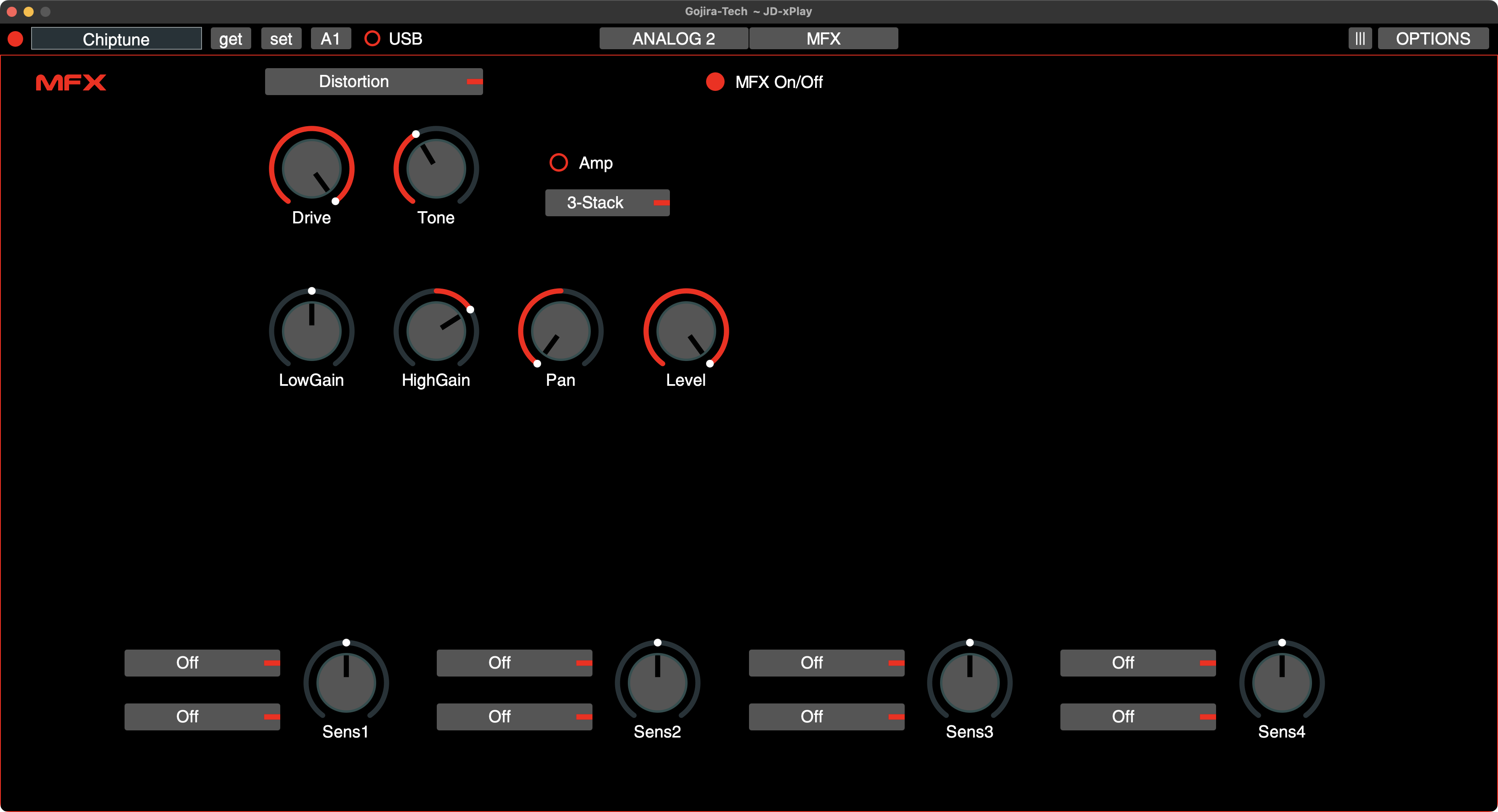
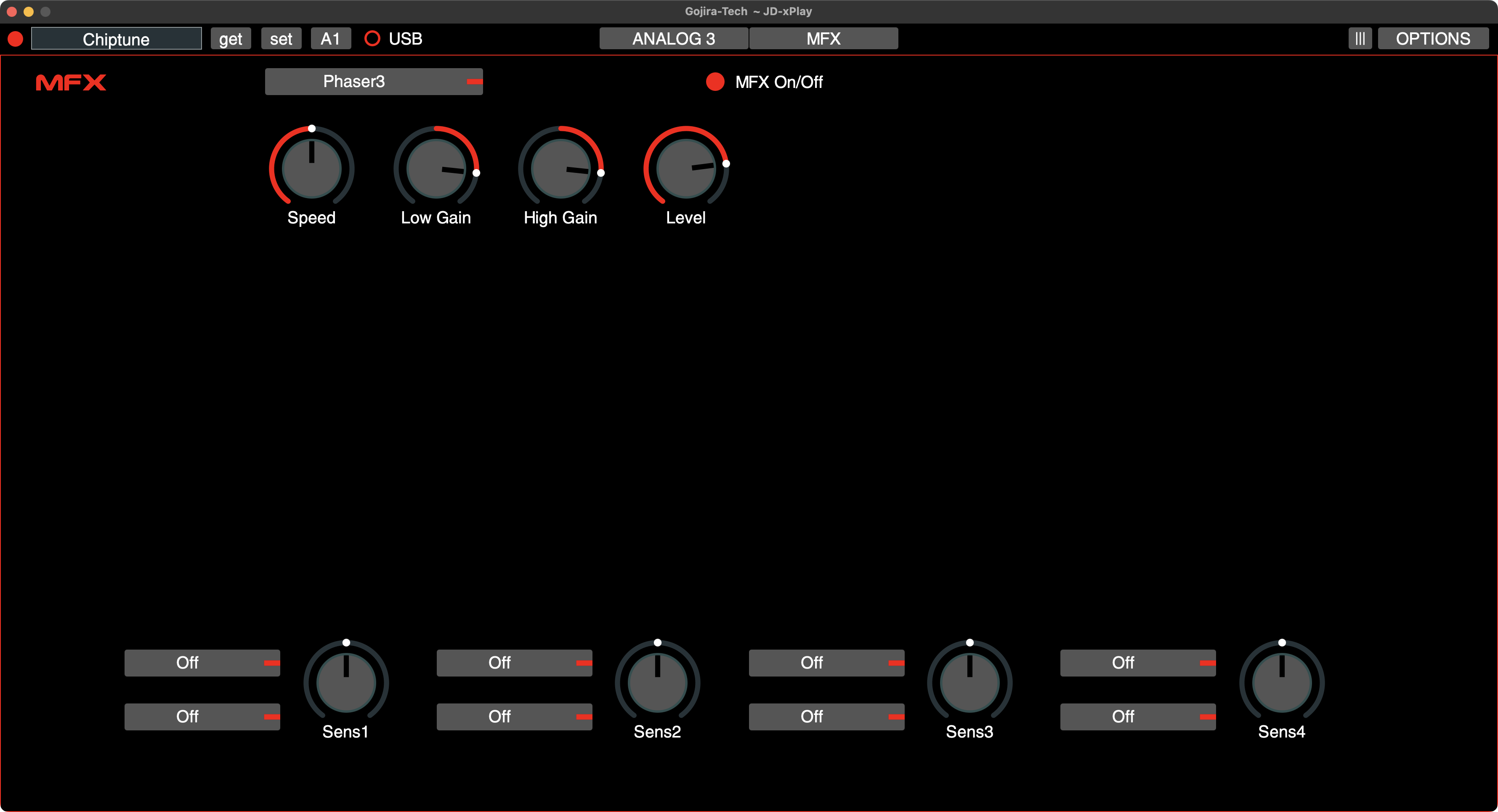
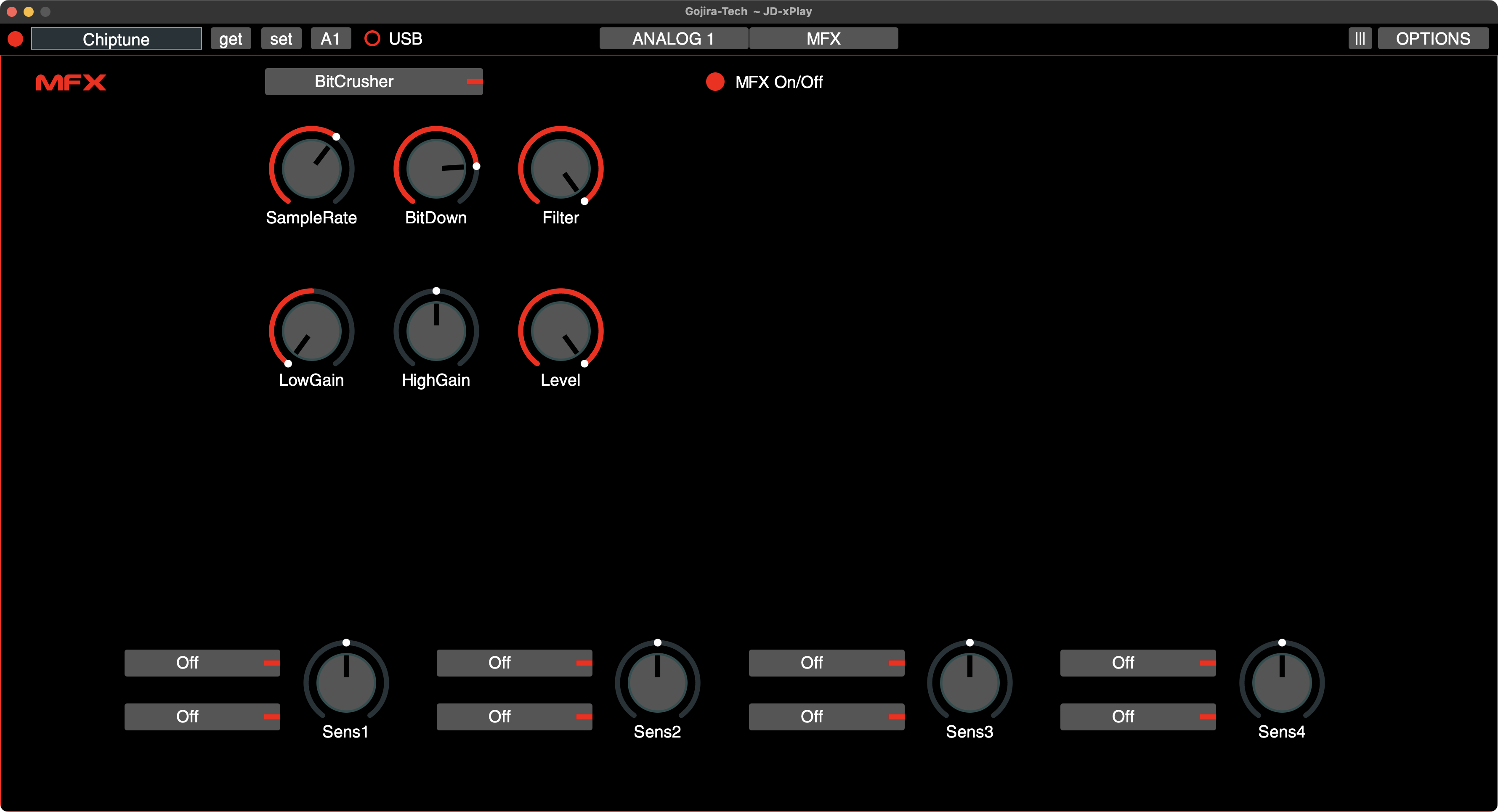
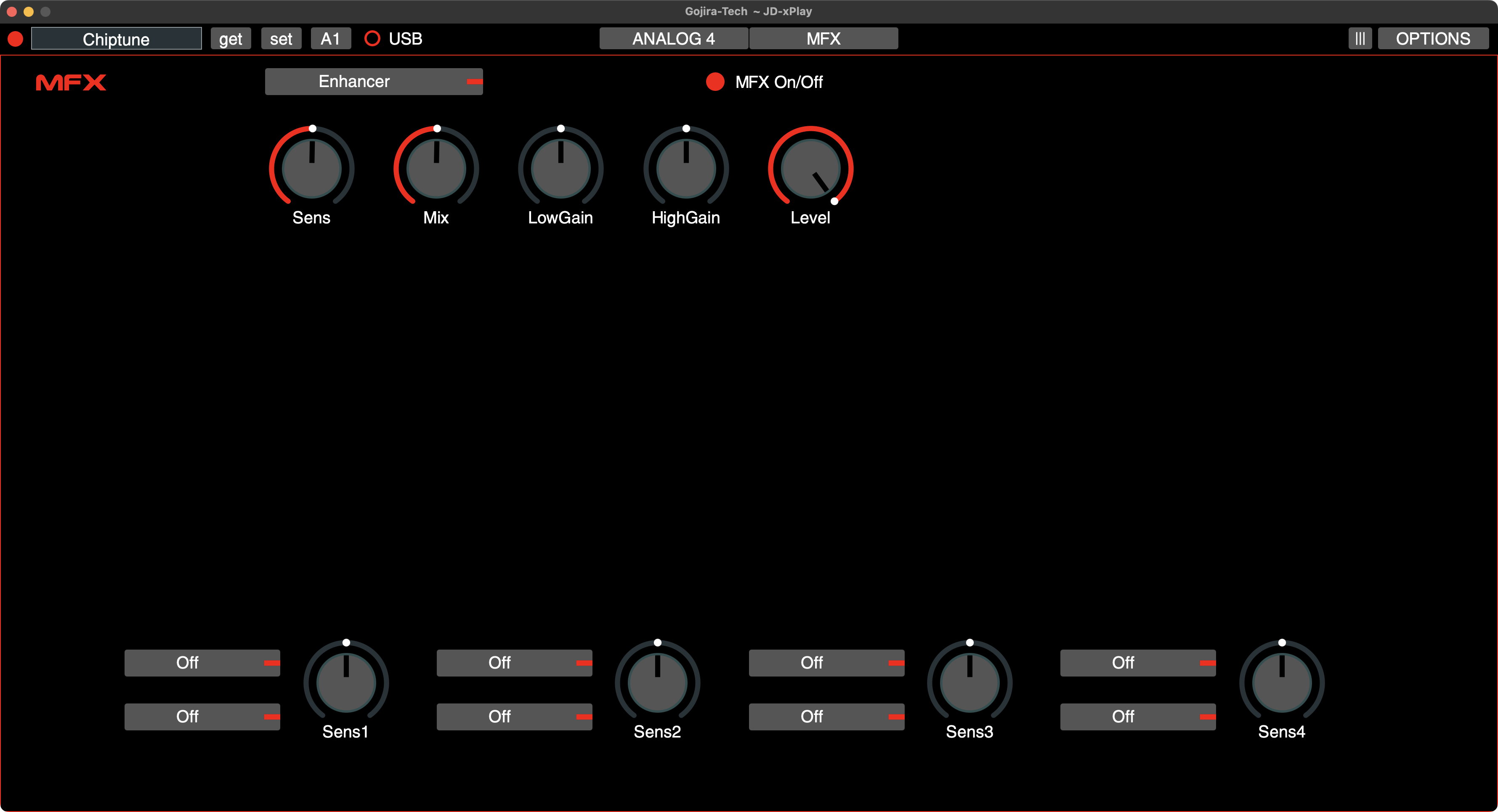
Navigation of the MFX parameters through the synth ‘deep dive’ menu is challenging, even using simple effects with few parameters. The JD-xPlay software facilitates rapid and simple access to both MFX parameters and MFX modulation control definitions.
If you also consider that you can save MFX settings with the ‘Preset Manager’ function, then time saved with patch sound design and the ease of use are improved immeasurably.